


Draft on the move
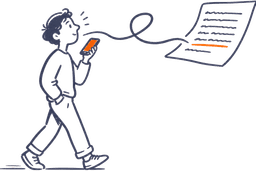
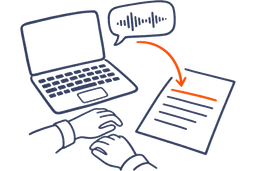
Dictate the rough version of an article or a chapter while you walk. The structured draft is waiting when you sit down.
Free to start. No credit card needed.
All downloads
4.9 from 300+ ratings · Loved by 200,000+ people
Already have an account? Sign in
AudioPen for writers
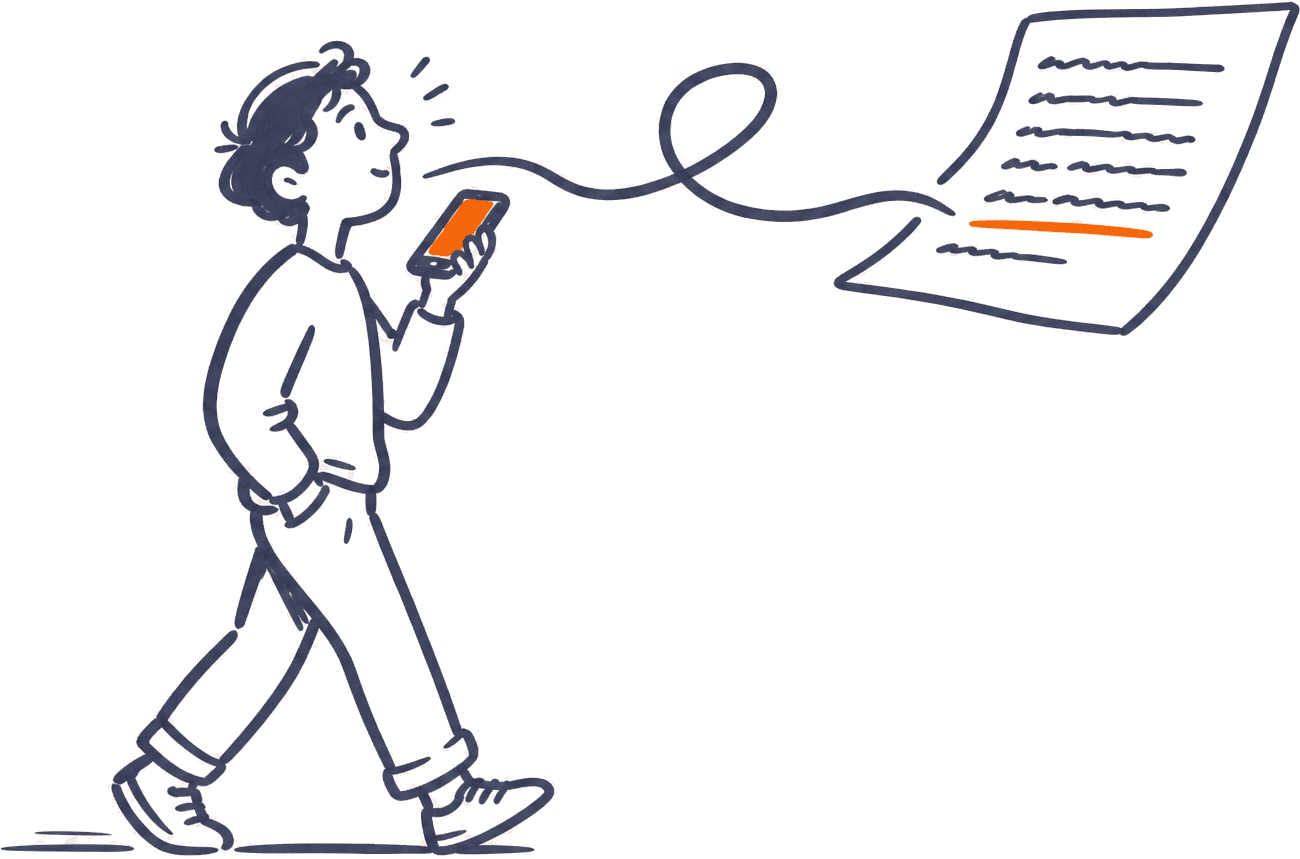
Your best lines rarely show up at the keyboard. They show up on a walk, in the shower, halfway through a sentence you said out loud. AudioPen catches them and turns them into a draft you can actually edit.
Free to start. Loved by over 200,000 people.
The slow part
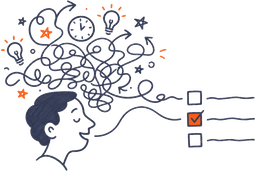
You usually know what you want to say. Getting it down is the slow part. Typing makes you edit before the thought is finished. The draft dies before it starts.
Talk instead. Ramble, circle back, follow the tangent. AudioPen transcribes everything, then reshapes it into a clean draft with your points in order. From a head full of ideas to a page of text in the time it takes to walk around the block.
How writers use it
It still sounds like you
Upload a sample of your own writing and AudioPen learns how you put words together. Your phrasing, your rhythm, your habits. The draft comes back sounding like you wrote it on a good day.
You decide how far it goes. Ask it to fix the grammar and leave your prose alone. Ask it to restructure a messy note so it flows. Your words, just organized.
Voice typing, in any style
You do not have to record a note and copy it over. Put your cursor in Google Docs, Scrivener, Notion, or wherever you write, and talk. The words land right there.
Talk the way you think. Start mid-thought, circle back, change your mind halfway through. AudioPen types your exact words when you want them, or writes it up in a style you pick, right at your cursor.
“okay so the opening, um, start with the bread, the smell of the bread, no wait, actually first the thing about her never measuring anything, like she just never measured, and then the bread, and how you'd, how the whole street would know she was baking before you even got to her door”
My grandmother never measured a thing. And you always knew when she was baking. The smell of bread drifted down the whole street long before you reached her door.
Works in any app, on every device: a hotkey on Mac and Windows, the AudioPen keyboard on iPhone and iPad, and a floating bubble on Android.
One recording
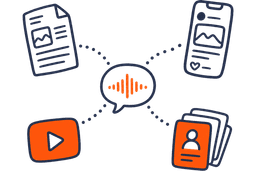
Take the same recording and shape it into an article, a newsletter, a chapter draft, or a set of posts for LinkedIn or X. Restyle a note you saved last month into something new.
Speak in one language and write in another. Whatever language you draft in, AudioPen works in it, and the language you speak does not have to be the language you publish in.
Rewrite level
Choose how heavy the edit should be. Keep it close to your exact words, or let AudioPen polish everything.
Rewrite level
Retains structure where possible, rewritten in your chosen style
Output length
Some compression, but not too much.
Writing style
Ask AudioPen to write like your favorite author. Or give it a sample of your own writing, and it will match your voice. If you can describe a style, AudioPen can write in it.
I've been stuck on chapter nine for two weeks, and I think I know why. Nora finds the letter too early, giving away the twist before the reader cares about her brother. I'll move it to the end of chapter eleven, after a quiet lake house scene where Nora and Daniel argue about selling. Chapter nine should drop from 5,000 words to 3,000. I'll draft the lake scene tomorrow morning and send Ellen the new outline by Friday.
Free to start, on every device.
Where it lives
Draft on the couch, on a walk, or at your desk. On Mac and Windows you can voice type straight into Google Docs, Scrivener, or Notion, and on iPhone the AudioPen keyboard does the same thing in any app. If your thoughts race ahead of your fingers, the brain dump workflow works for drafts too.
One Prime account covers all of them. Your notes sync across every device, so whatever you capture on one is waiting on the next.
Testimonials
Read what real users have to say about AudioPen.
This is probably the best product I’ve come across in the past 18 months. So useful and it just keeps getting better.
Simple, but effective. The best tool to convert rambling into structured text, while keeping what you rambled intact.
I freakin love AudioPen.ai. If you are not using it yet, get on it.
Most helpful AI tool = audiopen. Been using it daily to do things like: turn voicenotes into action items, content ideas (magic for this), summarize calls, giving feedback. The UI is also so clean that it’s an absolute joy to use.
I used to manually summarize my transcribed brainstorming sessions. Took hours. AudioPen automates everything to the point where I am almost done with my article after talking about a topic for 10min. Magic.
You speak to it as thoughts come in. It stitches a fine narrative from the rant. Writers can edit a ‘wrong’ page, not a ‘blank’ page. AudioPen gets you to 90% and then you do the rest.
OH MY GOSH. I just learned about AudioPen today, and it’s already a GAME CHANGER. If you write, create, or do any serious thinking, this tool is for you.
This is one tool that has dramatically changed the way I think. It has allowed me to get the thoughts out of my head and down on paper.
I’ve been using AudioPen to talk through my ideas, have them summarized and then use the summarization as a draft for blog posts. 13 out of 10. Highly recommend for the “blank page” problem.
I can’t say enough good things about the AudioPen app. It’s been my go-to app for getting ideas down without having to type. Not only does it arrange even the most inarticulate nonsense into readable sentences, it’s the best dictation app I’ve ever used.
No product has fundamentally changed the way I work over the last 12 months more than Audiopen. Home Screen on iPhone.
I can now create 95% of my blog posts and have minimal editing. In my tone of voice. This saves so much time
I’ve been writing online for over 10 years and tried virtually every writing app, productivity, note-taking, and idea-capture system out there. Nothing comes close to the amount of time AudioPen saves me.
This is by far the greatest and most useful tool I have ever had! I have severe ADHD and it’s able to translate my rambling into a well written and concise note. I feel more organized and less anxious!
Best buy in 2023: AudioPen from @louispereira. Hats off.
Switched from Superwhisper to Audiopen Mac App within 20 minutes of using the Mac App.
Tried it out, and paid for the prime version because it is SO good and simple to use. The product has made it so much easier to track my various thoughts throughout my day.
I am a natural speaker. My ideas flow faster when I speak. I record my voice notes and with my accent, it is perfect all the time.
AudioPen is able to clear my spoken thoughts into text in Estonian, one of the most complicated languages in the world! Shut Up And Take My Money!
Already not sure what I did before I had AudioPen. If you often have thoughts you want to capture in writing, check it out. Cost is super reasonable too.
Questions
Straight answers to the questions people ask before they start.