








Free voice memo to text converter
Drop a voice memo here and the transcript is back in seconds. It reads the M4A from iPhone Voice Memos, recordings from most Android recorders and WhatsApp voice messages, up to an hour long. It's free, and you don't need an account.
Drop an audio file herePick an audio file
MP3, M4A, WAV, OGG, WebM, MP4 or FLAC
Up to 60 minutes and 100 MB
Your file is deleted as soon as the transcript is ready. Nothing is saved to an AudioPen account.
The AudioPen app
Talk on the go. Get clean notes back.
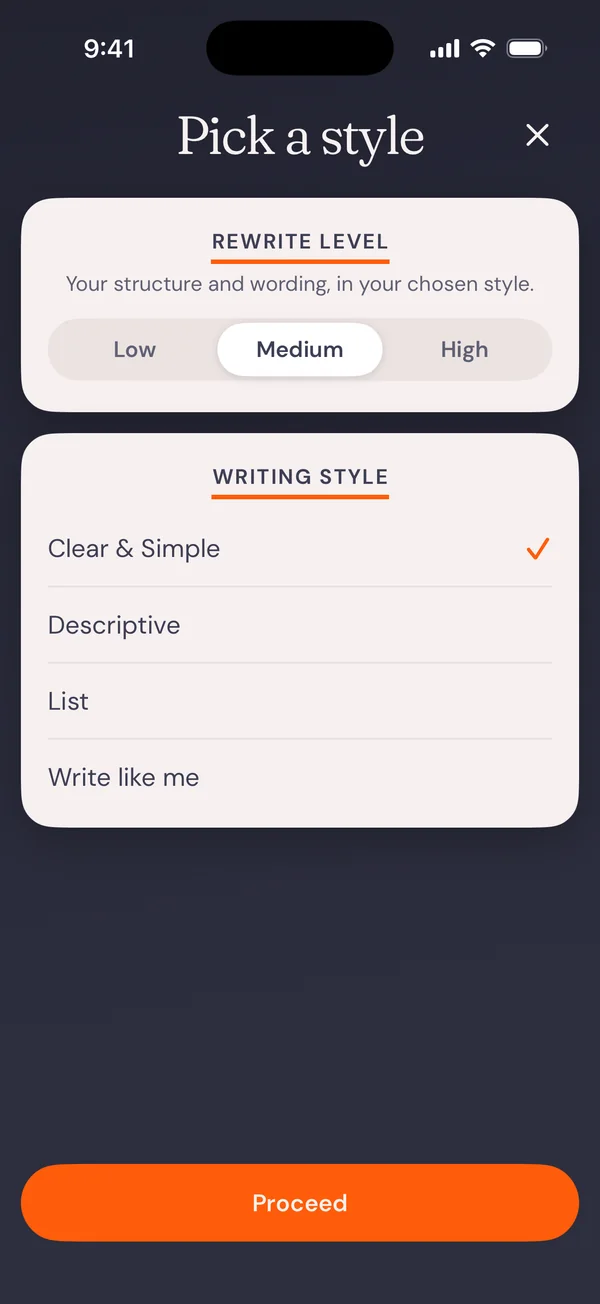
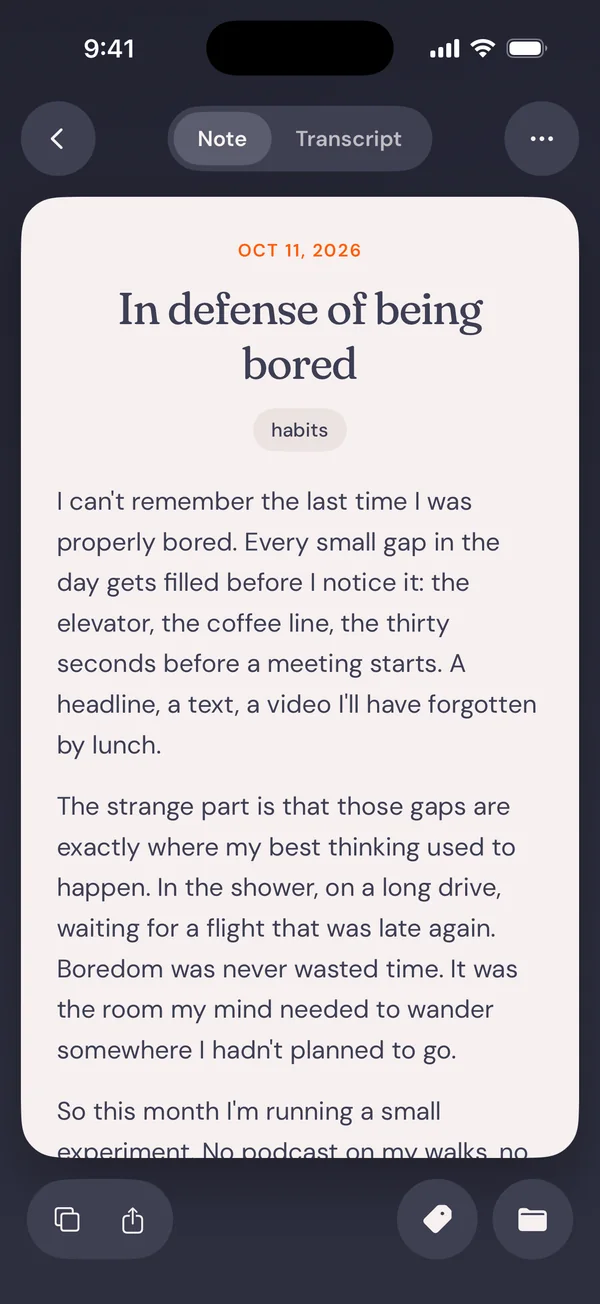
Record a thought on a walk or in the car. AudioPen turns it into a clear note, email or summary in your style. Free to start on iPhone and Android.
Download AudioPen Scan with your phone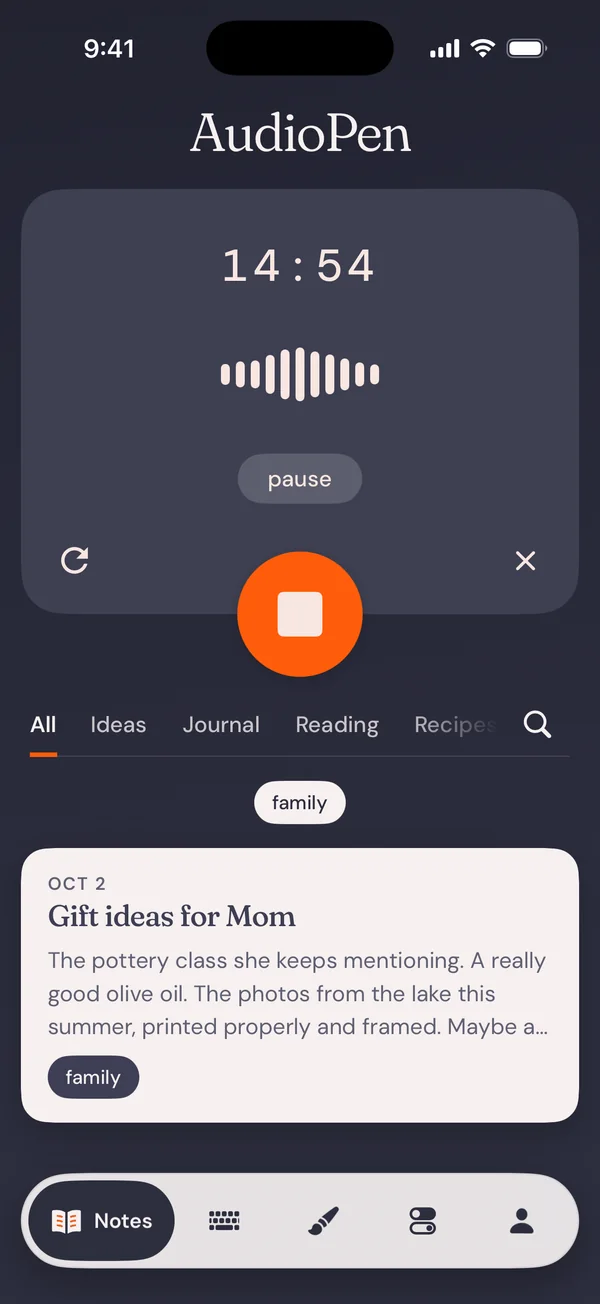
Get the file
Get the memo off your phone or computer.
iPhone
In Voice Memos, tap the recording, tap the More button, then Share and Save to Files. It saves as an M4A. Open this page in Safari, press Choose a file and pick the memo from Files.iPhone to Mac
Tap the recording, then Share and Options, and pick Rendered: that makes one M4A file. Send it by AirDrop to your Mac, then drop it on this page.Mac
In Voice Memos on the Mac, drag the recording to a Finder window, then drop that file here.Android
In the Pixel Recorder app, touch and hold the recording, tap Share File and pick the audio. In another recorder app, look for Share or Export. Then choose the file on this page.
Built-in transcripts
Does Voice Memos or Pixel Recorder already transcribe it?
On iPhone, maybe. Apple says transcripts in Voice Memos work on iPhone 12 or later, in English, Spanish, Portuguese, Italian, French, German, Japanese, Korean and Chinese, and not in every country or region. To copy one, tap the recording, tap the More button, then Copy Transcript. To copy only part of it, choose View Transcript instead.
No transcript? Try your Mac. Open the memo in Voice Memos on the Mac and it transcribes it for you, even if the device that recorded it can't, as long as there's speech in it.
On a Pixel, the Recorder app writes its own transcript, and you can share it as a .txt file.
Use this page when none of that works. That means an older iPhone, a language Apple doesn't list, a memo on a Windows PC, an Android phone without a transcript, or a WhatsApp voice message from a friend. The page detects the language spoken in the memo, or you can pick it.
What you get
Your words, as you said them.
The transcript comes back in sentences, split into paragraphs where you pause. Turn on timestamps if you want them. Copy it, or download it as a text file or as SRT or VTT subtitles. It doesn't label who is speaking, so a memo with two people on it reads as one run of text.
Copy it before you close the tab. The text isn't saved anywhere, so once the tab is closed it's gone. Free transcriptions have a daily limit.
Longer than an hour or over 100 MB? Split the memo into parts and transcribe each one. For other audio and video files, there's the audio to text converter.
Go further
From a voice memo to finished writing.
Upload old memos with Prime
A transcript is what you said. A note is what you meant. Upload the memo with Prime and AudioPen turns it into clean, readable text, in the style and language you pick, with the original transcript kept alongside it.Record in AudioPen instead
Skip the memo app next time and talk into AudioPen. You get the same note, with no file to move.Voice notes on the go
Catch an idea on a walk or in the car, and find it written up when you sit down.Free online voice recorder
No memo yet? Record in your browser, download an MP3, and get a transcript.